
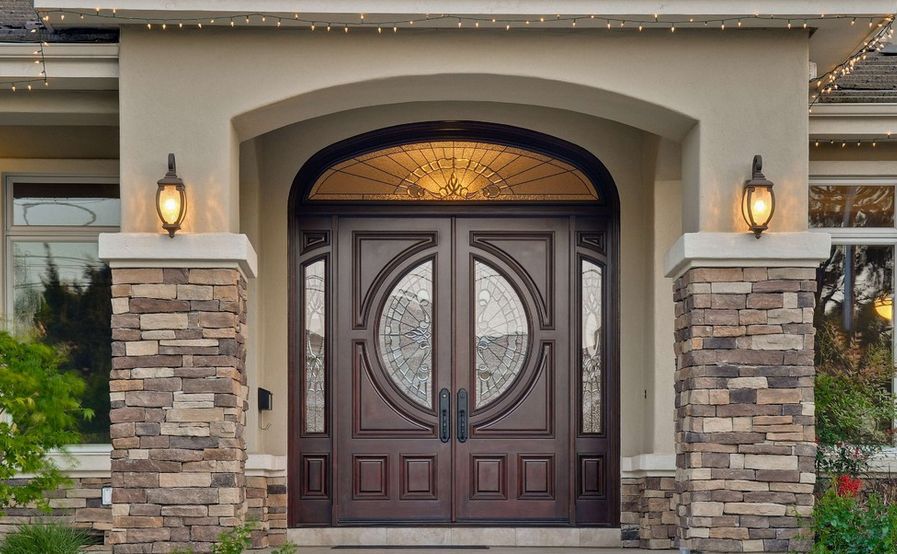
Image Scanner sweeps a configurable scan line over any image to reveal, highlight, or distort it as the beam passes. Scan pattern, direction, and animation timing are all props, so the same component can read as a medical scanner, a retinal scan, or a loading effect. Built with Framer Motion and Tailwind CSS. Fits AI product screenshots, security themed dashboards, and loading states that need more character than a spinner.
Installation
Example
Usage
import { ImageScanner } from "@/components/ui/image-scanner";export default function MyComponent() {
return (
<div className="w-full max-w-md mx-auto">
<h1 className="text-2xl font-bold mb-8 text-center">Horizontal Scan</h1>
<ImageScanner
image="/path-to-image.png"
scanType="radar"
scanColor="emerald"
autoScan={true}
loop
/>
</div>
);
}Props
Image Scanner
| Prop | Type | Default | Description |
|---|---|---|---|
image | string | undefined | URL or path to the image to be scanned. |
alt | string | "Scanning image" | Alternative text for the image. |
scanSpeed | number | 2 | Speed of the scanning animation in seconds. |
scanColor | "emerald" | "blue" | "purple" | "amber" | "red" | "cyan" | "pink" | "emerald" | Color theme of the scanning effect. |
scanType | "default" | "grid" | "radar" | "pulse" | "wave" | "matrix" | "default" | Type of scanning visual effect pattern. |
className | string | undefined | Additional CSS classes to apply to the container. |
onScanComplete | (results?: ScanResult[]) => void | undefined | Callback function triggered when scanning is complete. |
autoScan | boolean | false | Automatically start scanning when component mounts. |
scanDelay | number | 0 | Delay in seconds before starting the auto scan. |
scanAtScroll | boolean | false | Trigger scan when component is scrolled into view. |
showDataOverlay | boolean | true | Display scanning data overlay with phase information. |
showProgress | boolean | true | Show progress bar during scanning. |
scanIntensity | "low" | "medium" | "high" | "extreme" | "medium" | Intensity level of the scanning effect. |
showScanResults | boolean | true | Display scan result indicators on the image. |
loop | boolean | false | Enable continuous looping of the scanning effect. |
scanResults | ScanResult[] | undefined | Custom scan results to display (auto-generated if not provided). |
triggerScan | boolean | undefined | Externally trigger the scanning effect. |
disableClickToScan | boolean | false | Disable click-to-scan functionality. |